

 Polski
 English

E-receipts – a receipt on the phone instead of a paper roll
The customer gets an electronic receipt, you use less paper, and the document does not fade or get lost. How it is sent depends on the device: fiscal printers use the eparagony.pl hub, while cash registers use only the Ministry of Finance HUB.
We will check your device and tell you what can be done. Call: +48 81 744 10 91.
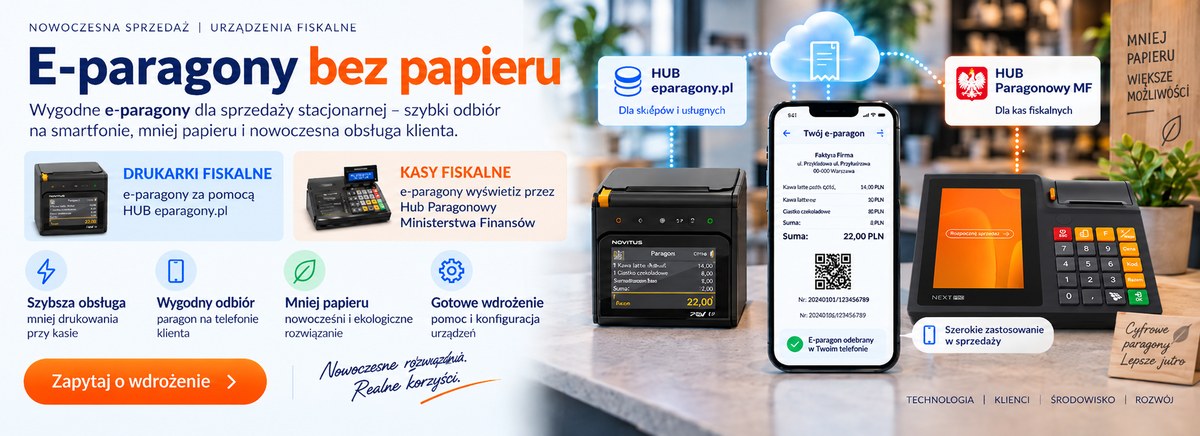
How it works in the shop
1. The customer shows a code
The buyer opens the app and shows their code at the checkout. No personal data is given.
2. The cashier completes the sale
Staff work exactly as before. Instead of printing a roll, the device sends the receipt electronically.
3. The receipt reaches the customer
Within seconds the document is in the app or behind a link. The customer always has it at hand.
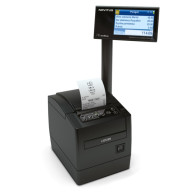
Fiscal printers – the eparagony.pl hub
If you sell from a computer and have an online fiscal printer, the electronic receipt is sent through the independent eparagony.pl hub (operator: Platforma Detalistów sp. z o.o.).
- The customer installs nothing – the receipt arrives in an agreed way, for example as a link.
- Works with homologated printers: NOVITUS, POSNET, ELZAB.
- Over 20 ready integrations with sales systems and online shops, plus an API for custom software.
- Implementation usually within a day.
- Required: an account in the service, an online fiscal printer and the customer's consent.
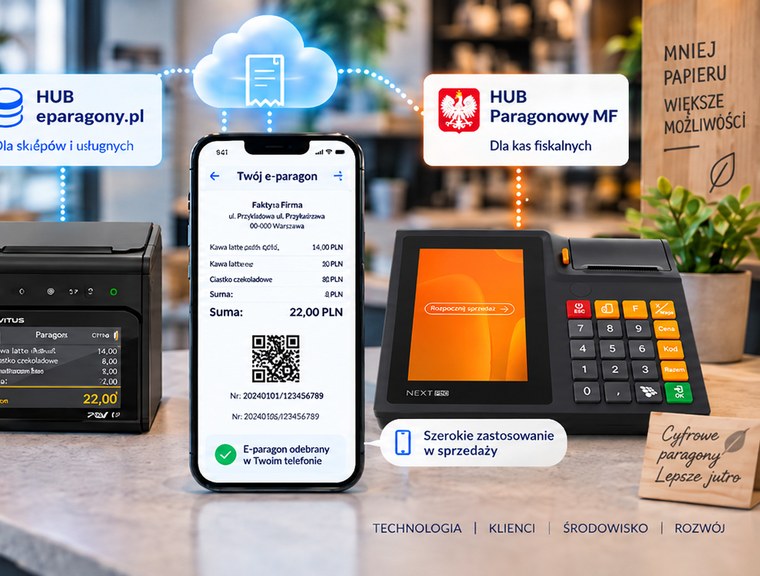
Cash registers – only the Ministry of Finance HUB
On cash registers, e-receipts work only through the government receipt HUB and the e-Paragony app. There is no other route here.
- The customer installs the e-Paragony app and shows a code at the checkout – no personal data needed.
- The receipt appears in the app within seconds and can be downloaded for 30 days.
- An online or virtual cash register prepared for the HUB is required.
- We will check your register and prepare an update if needed.
Cash register or printer – what differs
| Cash register | Fiscal printer | |
|---|---|---|
| Sending channel | Ministry of Finance HUB only | eparagony.pl hub |
| App on the customer side | required (e-Paragony) | not needed – e.g. a link |
| How the customer receives it | shows a code at the checkout | gets a message with the receipt |
| Access time | download for 30 days | depends on the seller's settings |
| What is needed | online or virtual register ready for the HUB | service account and an online printer |
| Typical implementation time | software check and update | usually up to a day |
What you gain
Less paper
Lower roll consumption and fewer roll changes.
Easier complaints
The receipt does not fade or get lost, the customer can always find it.
Faster service
No waiting for the printout and no asking about a receipt at every transaction.
Ecology
An argument customers notice – less rubbish at the checkout.
Devices ready for e-receipts
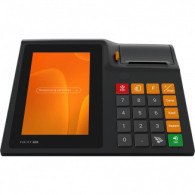
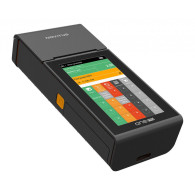
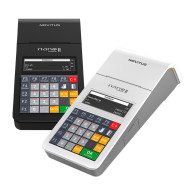
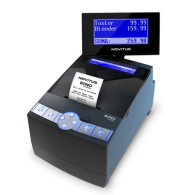
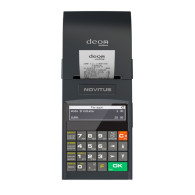
Cannot see your device? Tell us the model – we will check whether it supports e-receipts.
Frequently asked questions
Do I have to replace my cash register to issue e-receipts?
Does the customer need an app?
Can I drop paper completely?
Is an e-receipt valid for complaints?
How long does it take and what do I have to do?
Want to issue e-receipts?
Tell us whether you have a cash register or a fiscal printer – we will choose the solution, set it up and train your staff.
phone +48 81 744 10 91 · +48 534 883 677 · biuro@alfasystem.lublin.pl
Ask about e-receipts